Give your stream a signature.
Build your look with cinematic effects, seasonal overlays, exact-gift goals and supporter leaderboards. Add an LED message display or a glass-style music player and make every scene feel like yours.
Turn viewer gifts into game-changing moments. Race the neon skyway in Ninja Rush, build a tower, battle a galaxy and light up your stream with TikNinja’s Windows app and custom LIVE overlays.
Windows app + web dashboard · Built for TikTok LIVE Studio
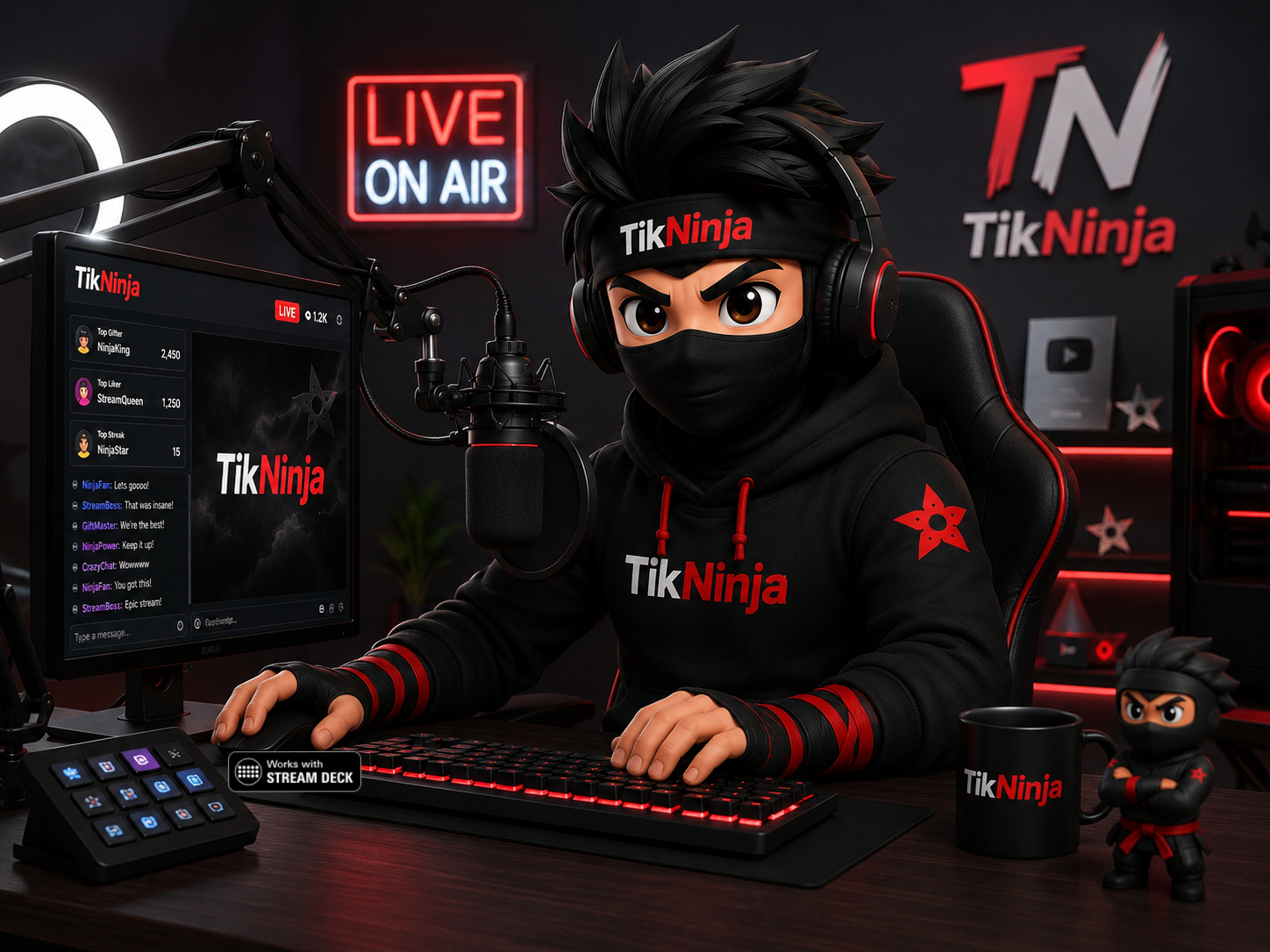
Keep your webcam and gameplay in view with compact transparent effects. Choose from the official library, place them around your scene and connect them to gifts, likes, follows and chat commands.
From your first gift alert to a full community game night, build a stream with its own look, sound and personality.
Build your look with cinematic effects, seasonal overlays, exact-gift goals and supporter leaderboards. Add an LED message display or a glass-style music player and make every scene feel like yours.
Match real gifts to animations, sounds and creator tasks. Gift Request puts five challenges on screen; Gift Scroller carries six gifts and your own messages across your LIVE.
Choose Microsoft/device voices or admin-approved Fish Audio voices. Set who can speak, manage the speech queue and pronunciation, and pair your local playlists with animated Now Playing designs.
Race together in Ninja Rush, stack Ninja Tower, defend Ninja Galaxy or descend 3D Ninja Drop. Add saved Lucky Spin wheels, a gift-filled Beer Glass and fan-level leaderboards to keep your community involved.
Meet the newest additions to your creator toolkit. Try the standalone game demos, then configure your own LIVE controls in TikNinja.
The crowd is your engine.
Race hovercraft through a neon city. Your viewers join teams, trigger turbo, raise shields and disrupt rivals. Computer racers fill empty places, so even a small audience gets a full grid.
Try Ninja Rush demoBuild the hype, one floor at a time.
Stack a neon skyline with precise drops. Map gifts to shields, lightning, frost and dramatic tower effects.
Try Ninja Tower demoYour community versus the galaxy.
Fight enemy waves, upgrade your weapons and summon bosses. Let configured viewer events change the action.
Try Ninja Galaxy demoA new dimension of LIVE play.
Descend through rotating 3D platforms. Gifts can break floors, reverse rotation or activate protection.
Try Ninja Drop demoStandalone demos run locally in your browser. Connect and configure viewer triggers in the Windows app for your LIVE.
Pick catalogue gifts and add your own tasks with Gift Request. Let Gift Scroller show six gifts and captions in a smooth horizontal strip.
Loop saved LED messages, reorder your playlist and choose a style that stands out on your LIVE.
Control TTS audience access, pronunciation and queue pacing. Add custom Chatbot commands and scheduled notices; chat posting requires its separate Windows sign-in.
Switch between saved Lucky Spin wheels, celebrate supporters, trigger Stream Deck actions and check your connection diagnostics from the Windows app.
Choose Pro Monthly or Pro Yearly and build your own LIVE experience.
Cinematic games, expressive overlays and clear connection diagnostics. Follow a five-step setup flow, then make the scene your own.
12-second illustrated walkthrough using product screenshots. Install, connect, add an overlay, choose one speech output and rehearse.
12-second illustrated tour of game practice screens. Try the playable demos above to experience the animation and controls. These previews do not receive real gifts.
Follow source receipt, access-rule routing and supported renderer acknowledgements. A connected label is just the start.
Queue controls, latency measurements and controlled recovery help keep old messages from trailing behind your LIVE.
Verified downloads, a local settings snapshot through the in-app updater, and a support report that excludes private messages and credentials.
App prerequisites: Windows 10 build 19041 or later / Windows 11, x64, Microsoft Edge WebView2 Runtime and a stable internet connection. The 3D games need WebGL 2 and hardware acceleration.
Recommended starting point for streaming: 16 GB RAM, an SSD and modern graphics. Capacity depends on your LIVE Studio/OBS scene, number of games and overlays, and other applications. Test your own setup before broadcasting.
TikTok LIVE access and a TikNinja Pro subscription are required for the relevant LIVE features. TikNinja does not grant TikTok LIVE eligibility. Microsoft/device voices remain available alongside the approved Fish catalogue and Piper options; cloud voice availability and latency can vary.
Choose Pro Monthly or Pro Yearly What is available & what to verify
Keep your attention on your audience. Use the TikNinja Stream Deck plugin with the Windows app to trigger configured sounds, animations, overlays and creator actions from your desk.
Choose your Stream Deck model in TikNinja Studio, design and assign your keys, then export and import the profile into Elgato Stream Deck. Install the plugin and pair it once to use your saved controls.
Keep TikNinja Studio running. Available actions depend on your configuration and membership. Stream Deck hardware and Elgato software are separate.

App and plugin downloads are available from your dashboard after registration and sign-in.
Available now in TikNinja Studio 2.2.20. Open Stream Deck → Button Designer to design and assign your keys, with a preview before you save. Use Stream Deck plugin 2.2.0.0.
Export your layout, import it into Elgato Stream Deck and pair the plugin once. Dials, touch strips, Pedal, Studio, + XL and Mobile are not included. LIVE Studio scene control requires a supported integration or configured hotkeys.
The web dashboard manages your content and rules. A connected TikNinja Windows listener supplies supported TikTok LIVE events; the website then routes received events to your configured alerts and browser-source overlays. Opening the website alone does not start a TikTok LIVE listener.
Gift, follow, like, share and chat reactions depend on received events and your settings. Battle bonuses, including ×2 and ×3, and MVP celebrations depend on the event information supplied and the configured trigger. Windows battle automation and website celebration triggers are not yet identical; automatic detection of every TikTok activity is not promised. Test the triggers you need before broadcasting.
Manage your stream in the web dashboard and use TikNinja Studio on Windows for local playback and LIVE controls. Your music files stay on your PC.
Find your membershipCreate your account and pick the package that fits your stream.
Install the Windows app, connect your account and choose your overlays, voices and event actions.
Add your browser-source URLs, check your audio and test your interactions before going live.
Overlay preview demonstration with simulated gifts and game actions. No live audience or results are shown.
Every TikNinja subscriber receives a free Pro Server account or Vanguard account on TikNinja Nexus. Discover your next community hub, included with your TikNinja subscription.
Visit nowThe TikNinja website and TikNinja Studio Windows application are currently in active beta testing. You may occasionally encounter minor bugs or incomplete behaviour while we refine performance and reliability. Improvements and fixes will be delivered through regular releases over the coming weeks.
Choose Pro Monthly or Pro Yearly. Pick the billing schedule that suits you and start creating with TikNinja.
| Included allowance | Pro Creator Monthly | Pro Creator Yearly |
|---|---|---|
| Price | £8.99 / month | £89.99 / year |
| Profiles | 5 | 5 |
| Alerts | 50 | 50 |
| Sounds | 150 | 150 |
| Overlays | 50 | 50 |
| Animations | 45 | 45 |
See each package below for its full feature list and agency terms. Unlisted allowances are not assumed to be included or unlimited.
Pro creator monthly membership with high limits for regular streamers.
Pro creator yearly membership with high limits for regular streamers. Pay yearly and get 2 months FREE
No. Keep the Windows app connected to your LIVE so supported events can reach your configured website overlays. Event availability varies, and advanced battle and MVP triggers do not yet have complete parity between the website and Windows app.
Yes. Windows 2.2.20 includes the visual button designer, blank styles, model selection and profile export. Use plugin 2.2.0.0, import the exported profile into Elgato Stream Deck and pair it once.
You add TikNinja overlay URLs as Link / browser sources in LIVE Studio. The Windows app handles local music playback and creator controls. Test your audio capture and overlays before broadcasting.
Yes. Select a music folder in the Windows app, save playlists and choose colours, layouts and motion for your Now Playing source. You need permission to broadcast the music you use.
Features and limits depend on your membership. Check the package details above before signing up. TikNinja's beta notice on this page describes the current release status.
The web dashboard works in a browser on desktop, tablet and phone. The TikNinja Studio app and local music playback require a supported Windows PC. System requirements are shown below.
Explore the packages. Choose your style. Start creating.
Create widgets, preview them, copy the TikTok Studio browser source URL, then go live.
Your card details are handled securely by Stripe and are never stored by TikNinja.